We’re here 24/7 to assist with all things parking! Contact Airport Parking Services at 408-441-5579 or submit your feedback or concerns online. Our team is available to help with:
Parking reservations questions
Receipt requests and payment questions
Parking lot information and directions
Entry and exit support
Extended (>30 days) parking requests
General parking inquiries
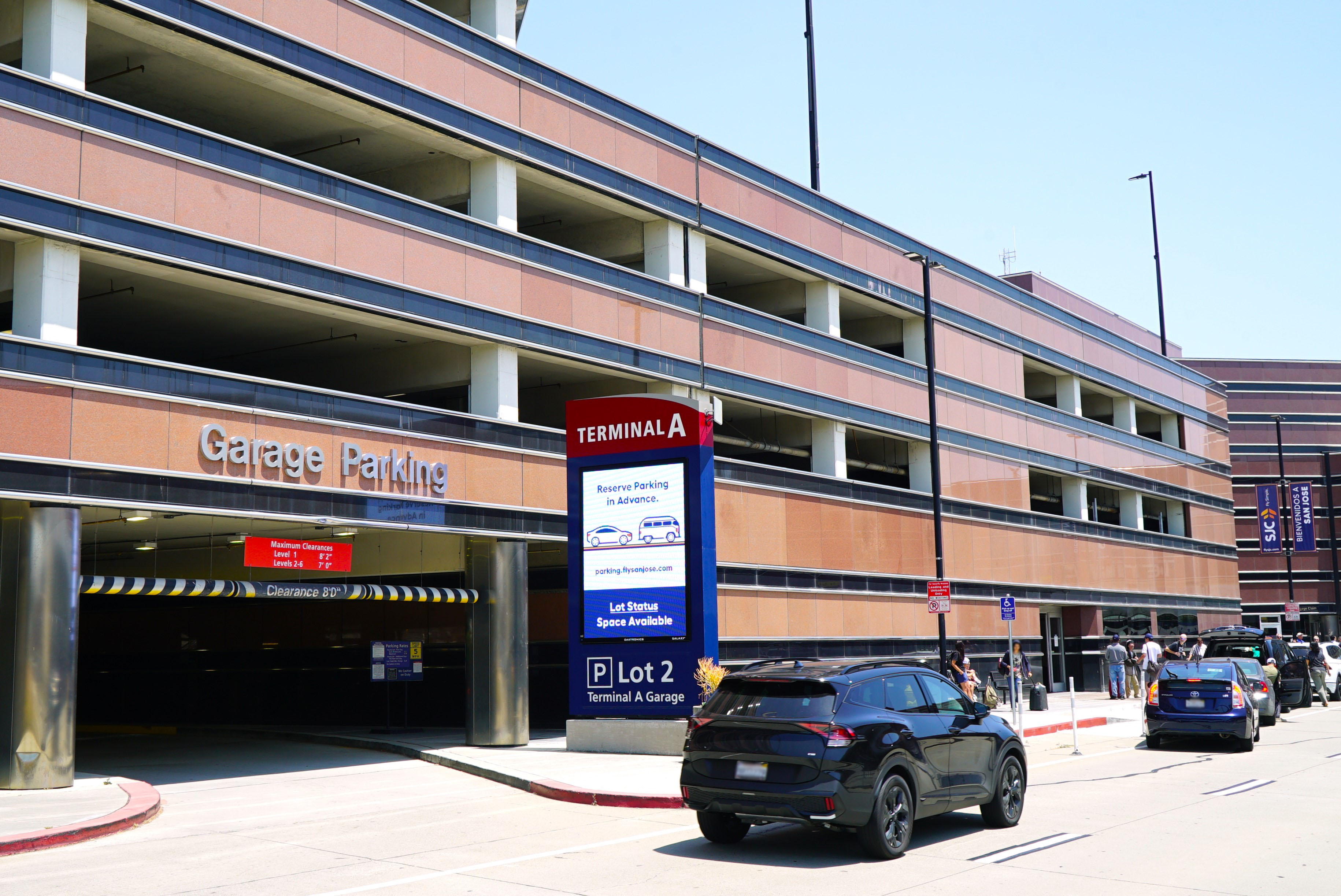
From quick pick-ups to extended trips, SJC offers convenient parking options for every type of traveler. Reserve ahead to save time and guarantee your spot before you arrive.
Top Frequently Asked Questions
How do I use my reservation?
Follow the signs to the applicable parking lot listed in your confirmation email. Your QR code/license plate will not allow access to a different parking lot. If you drive to the wrong parking lot, please use the intercom button to speak to a Parking Representative for directions to the correct lot. Do not pull a ticket.
Can I extend a reservation?
Yes, a reservation can be extended up until 1 minute prior to the end time (i.e. if a reservation ends at 5:00 PM, it can be extended up until 4:59 PM). Extended reservations maintain the same parking rate as that used for the original booking (i.e. any discounted rate will be maintained). Reservations can be extended up to a maximum of 30 days (from the start time).
How long can I park?
Customers may park for up to 30 days. If you require parking for more than 30 days, please contact Airport Parking Services at 408-441-5579 or email ParkingSJC@sjc.org. If a vehicle remains in the parking facility for more than 30 days without notification to Airport Parking Services, the vehicle will be considered abandoned and towed at the owner’s expense.
Plan ahead, pay less. Reserve your airport parking in advance to lock in your spot, avoid last-minute stress and start your journey with complete peace of mind.
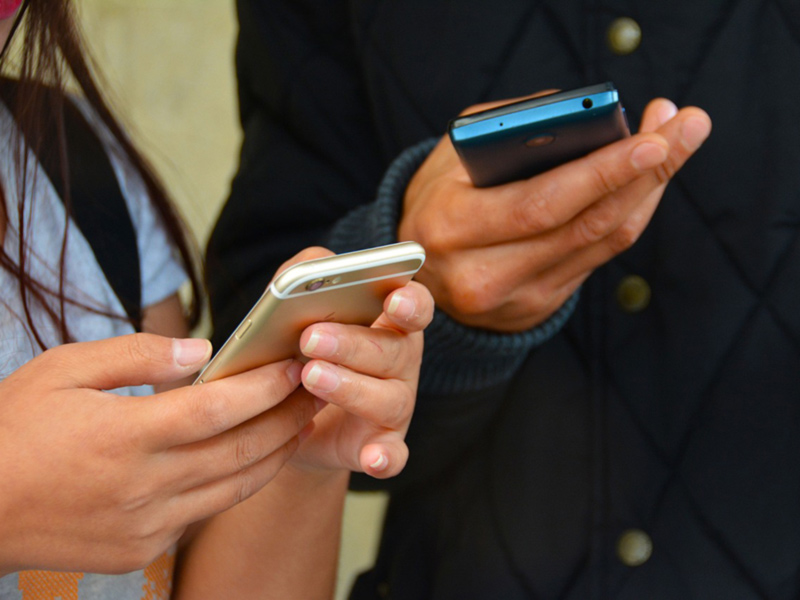
Follow these simple steps and you’ll be connected to the fastest airport Wi-Fi in the country!
1
Enable your device
Verify your wireless connection is enabled or on in your device settings.
2
Choose "sjcfreewifi"
No password is required.
3
You're connected!
If you have trouble connecting, try turning your wireless connection or device off and back on again.
Terms of Use
By accessing this wireless network, you acknowledge that you are of legal age, you have read and understood, and agree to be bound by this agreement.
(*) City of San José wireless network service are provided as a courtesy only. Access to the network may be blocked, suspended, or terminated at any time for any reason.
(*) You agree not to use the wireless network for any purpose that is unlawful otherwise prohibited and you are fully responsible for your use and activity on the network.
(*) The wireless network is provided "as is" without warranties of any kind, either expressed or implied.